
Description
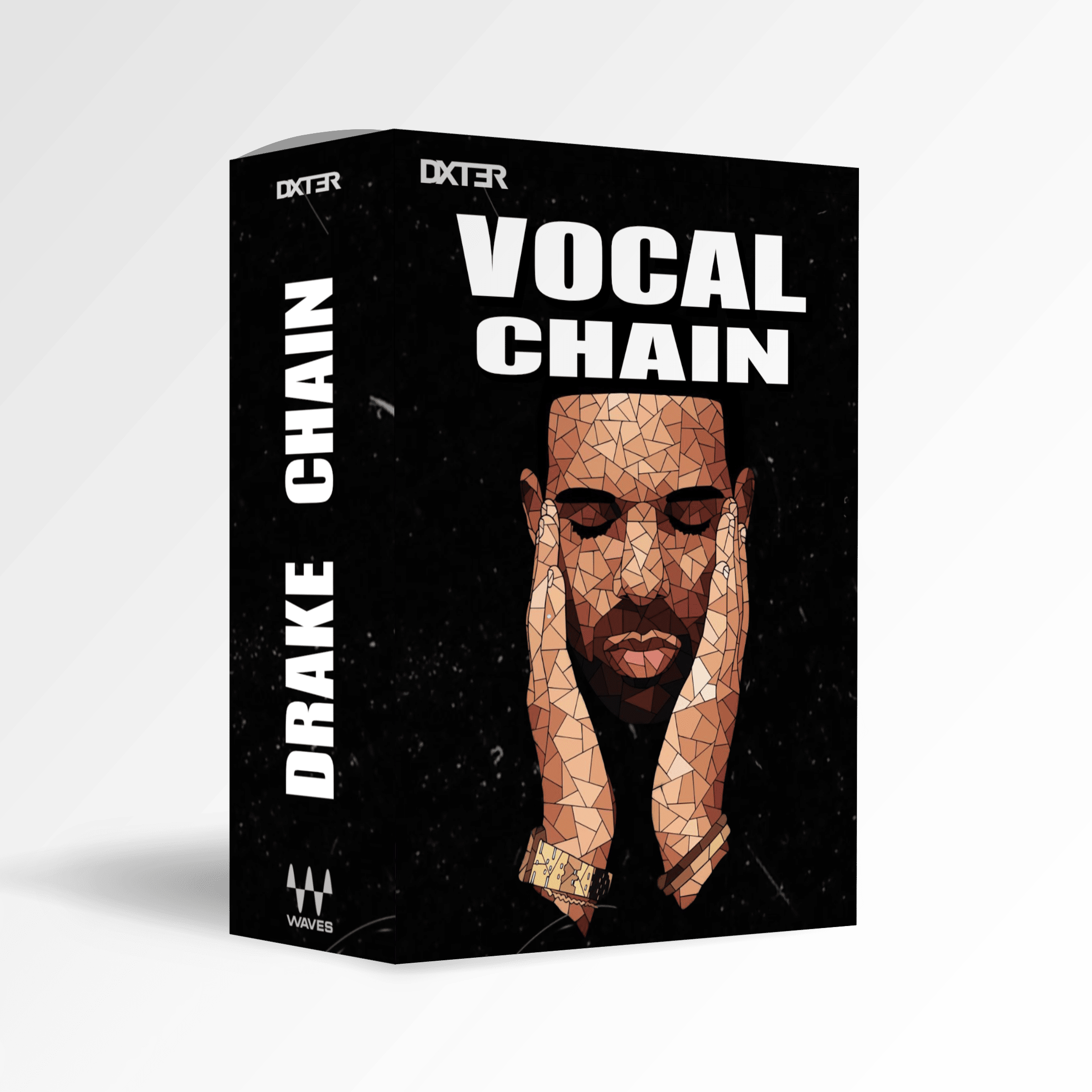
The Drake Vocal Chain is a Waves StudioRack/StudioVerse preset I built specifically for Drake-style vocals, based on a documented setup behind his vocal sound.
The idea behind the chain is to bring the main parts of that vocal processing into one StudioRack / StudioVerse preset. It covers pitch correction, EQ, compression, multiband processing, de-essing, reverb and delay, with macro controls for adjusting some of the most important settings without having to open every plugin individually.
It’s designed to work as a strong starting point, and in many cases the preset can already sound right as soon as you load it. From there, you can fine-tune the processing and macro controls to better match your voice and recording.
How the Drake Waves Vocal Chain Works
The chain is built entirely with Waves plugins. Some of the processors directly match plugins used in the documented Drake vocal setup, while others were chosen to recreate the role or character of hardware and plugins used in the original chain.
Waves Tune Real-Time handles the pitch correction, while Scheps 73, REQ 6, Q10 and Waves SSL EQ are used for tonal shaping and EQ.
For dynamics, the preset uses CLA-2A, R-Vox, RCompressor, V-Comp and Waves C4 at different stages of the chain. Waves DeEsser is included for controlling sibilance.
The effects section uses H-Delay and RVerb to recreate the delay and reverb side of the setup.
The complete chain is saved inside a single StudioRack preset, so you can load the full setup at once and adjust it from there.
Drake Vocal Chain Macro Controls
I’ve mapped key parameters from the chain to macro controls inside StudioRack, making it easier to adjust the preset for different recordings.
These controls let you change elements such as compression, tuning, reverb and tonal character without having to go through every plugin in the chain.
You can still open the individual plugins whenever you want more detailed control.
What’s Included
- 1 Drake-inspired Waves vocal chain
- Waves StudioRack .xps preset
- Custom macro controls
- Pitch correction
- EQ and tonal processing
- Multiple stages of compression
- Multiband processing
- De-essing
- Delay and reverb
Plugin Requirements
The following Waves plugins are required:
- Waves StudioRack
- Scheps 73
- Waves Tune Real-Time
- CLA-2A
- REQ 6
- Waves R-Vox
- Waves C4
- Waves DeEsser
- Q10
- V-Comp
- Waves SSL EQ
- Waves RVerb
- Waves RCompressor
- H-Delay
Plugins are not included with the preset.
Download Format
Waves StudioRack (.xps)
Drake Vocal Preset Recommended Input Level
The preset was set up around an input level of approximately:
-23 LUFS Short-Term
Your vocal doesn’t need to sit at exactly -23 LUFS, but the input level will affect how the compressors and other processors in the chain respond.
Installation
To install the Drake Vocal Chain, drag and drop the included .xps file into Waves StudioVerse / StudioRack.
Once imported, the preset will be available to load inside the plugin.
Further installation instructions can be found in the FAQ below.
Disclaimer
This preset was independently created by Dxt3r and is inspired by the vocal production style associated with Drake.
This is not an official Drake product, collaboration or endorsement and is not affiliated with Drake or his representatives.
Waves plugins are not included.
Drake Vocal Chain Presets FAQs
Can the Drake style Vocal Chain preset be used for other genres besides Rap?
Yes! While the preset has been designed with Rap vocals in mind, it is versatile and can be used for a range of vocal styles, including bright and airy pop vocals, rich and warm R&B tones, and more.
How can the Drake type Vocal Chain preset help me save time in my music productions?
Drake type Vocal Chain preset eliminates the need to spend hours tweaking and processing your vocal tracks. With just one preset, you can achieve a polished, professional-level sound that will make your vocals stand out in any mix. This saves you time and gives you the confidence that your vocals sound like they were recorded in a professional studio.
Can I use the Drake type Vocal Chain preset on a live performance or only in a studio setting?
Drake type Vocal Chain preset is optimized for use in a studio setting. However, you can still use it in a live performance with the proper equipment and setup.
Can I use the Drake type Vocal Chain preset on any DAW?
Yes! The Drake type Vocal Chain preset is compatible with any digital audio workstation (DAW) that supports Waves plugins.
What inspired the creation of the Drake type Vocal Chain preset?
Drake type Vocal Chain preset was inspired by the unique vocal sound of the renowned artist Drake.
How do I install Drake type vocal chain
To install Drake type vocal chain preset, you need to drop the .xps file into your Waves Studio Rack preset folder. This is typically located in your Waves user data folder, which can be accessed through the Waves Central application. Once the .xps file is in the preset folder, you can access the presets within Studio Rack.
What vocal chain does Drake use?
Drake’s vocal processing has been documented as using a combination of pitch correction, EQ, compression, de-essing, delay and reverb. This preset is based on that documented setup, using Waves plugins that either match parts of the original chain or recreate the role of the original hardware and plugins.